Module 2 Formstorming

Weekly Activity Template

Web Header Raindrops


Project 2


Module 2

For the two activities we did, I enjoyed them a lot. They let me explore the sound on campus around me that I take for granted and also let me explore creatively in activity 2.

Activity 1
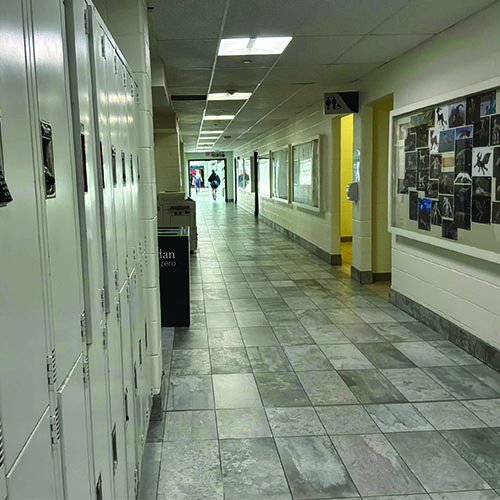
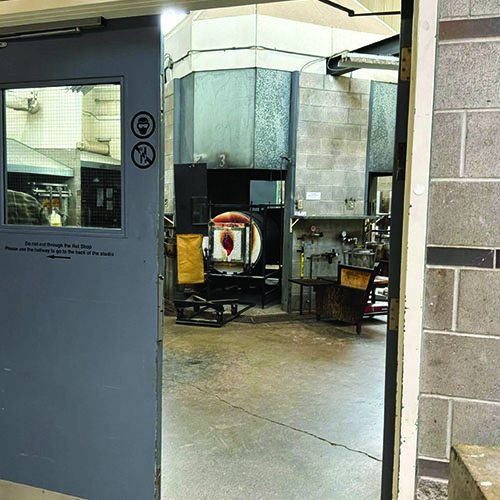
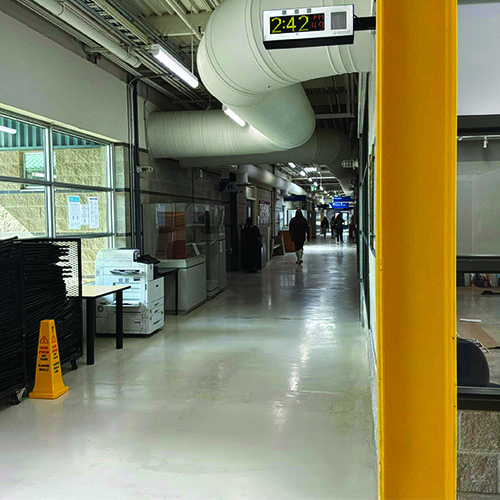
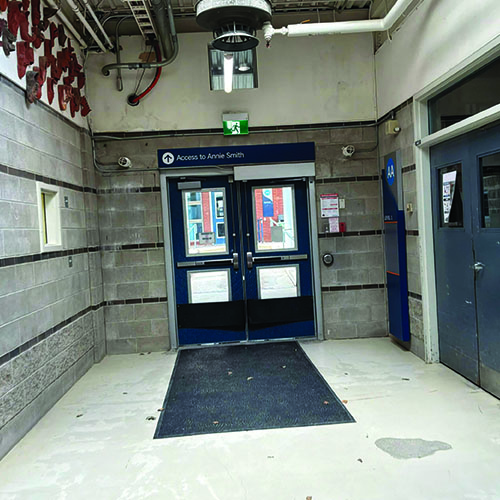
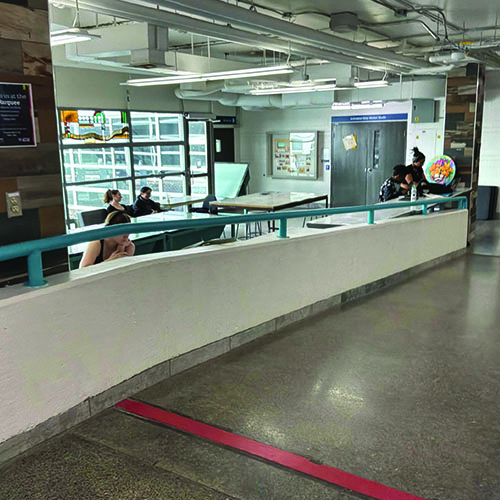
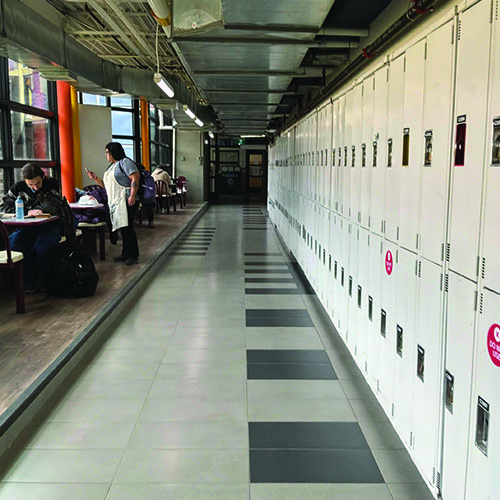
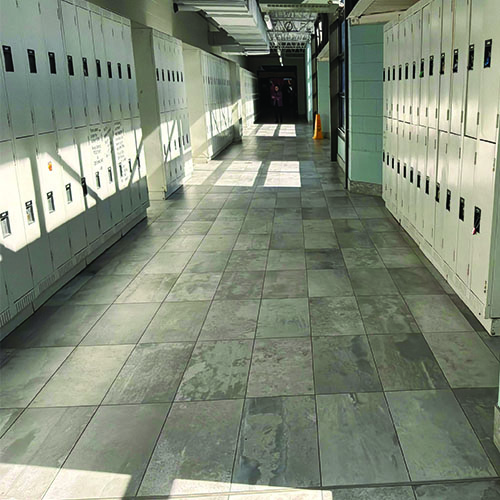
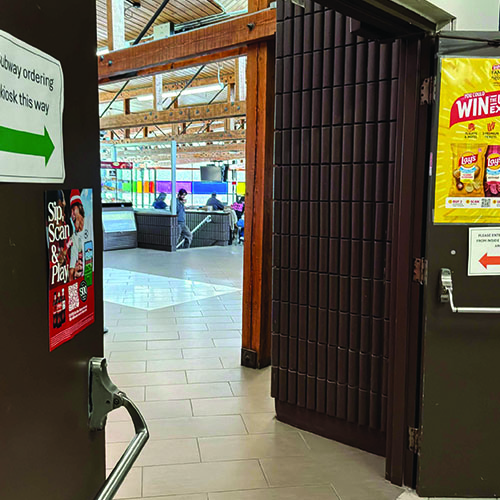
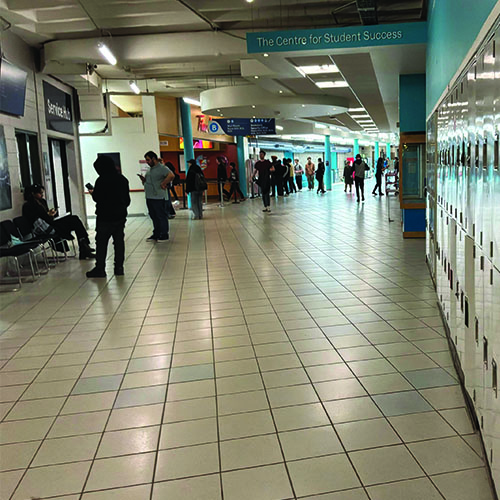
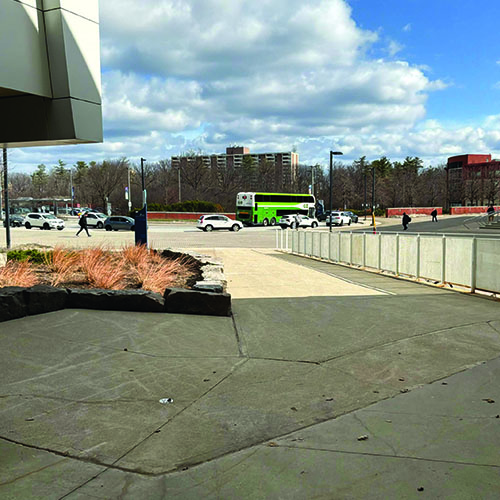
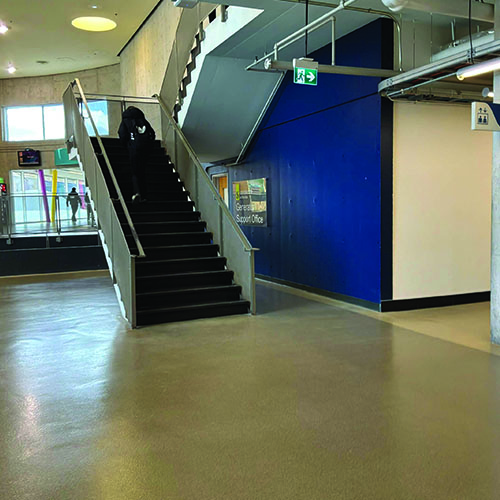
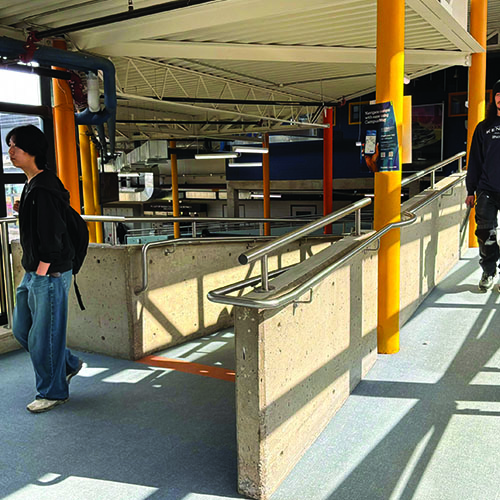
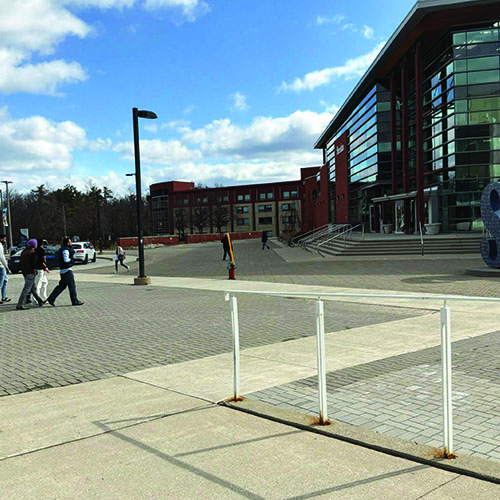
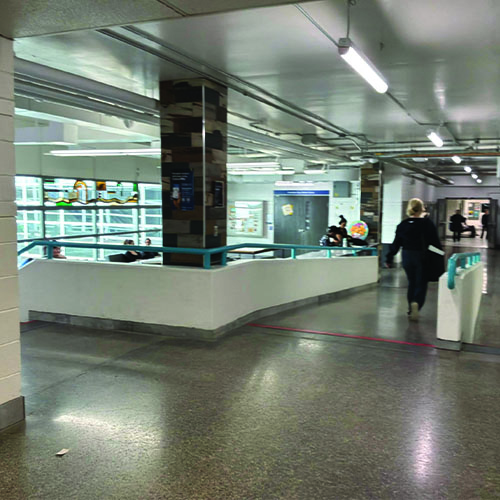
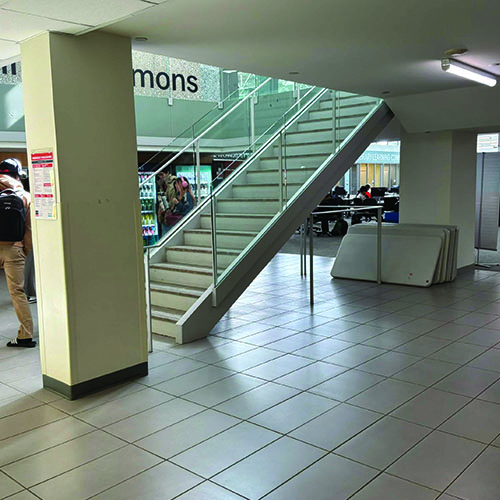
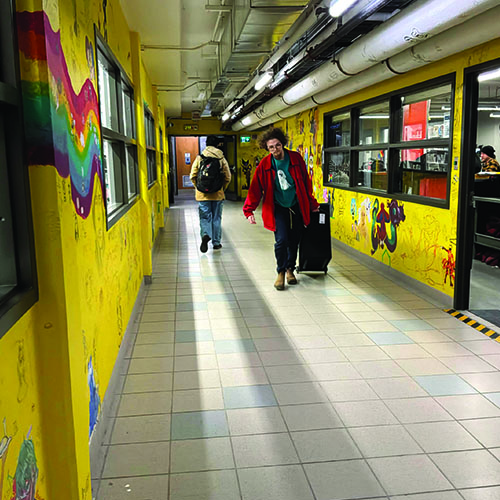
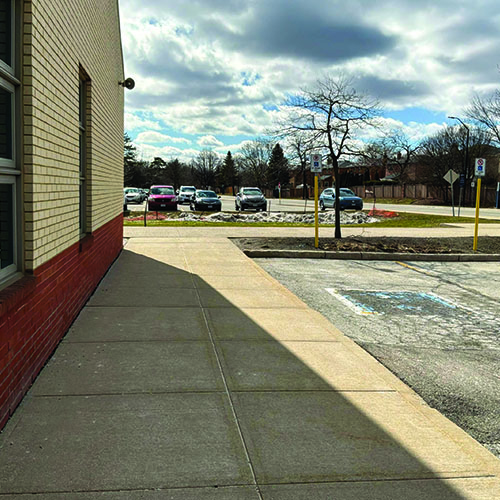
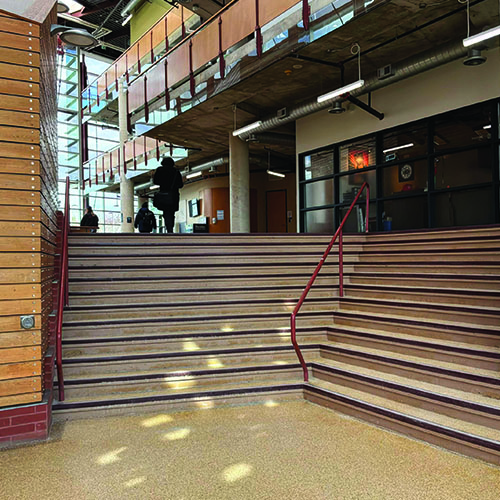
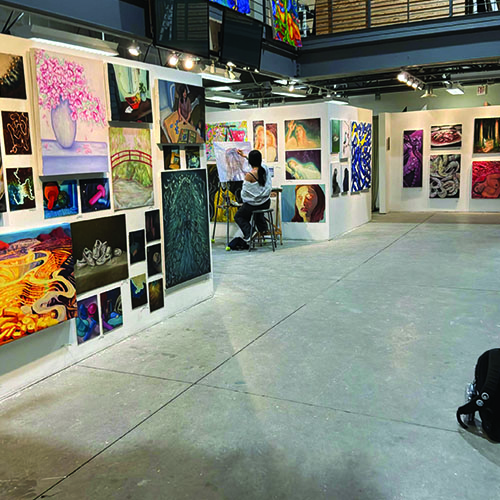
While walking through A wing, I caught a recording of a group of students speaking another language. Normally I would tune these sounds out, but hearing them reminded me of how multicultural campus is. In my first year at Sheridan I took glass blowing during art fundamentals. In the AA wing there's always a lot of noise happening but one of them I don’t notice is the hums of fans and ventilation for the glass room. Another interesting sound I recorded while listening was the quietness of the AA hallway aside from the sounds coming from the ventilation. Students talking to each other were easy to hear while walking by. A sound I recorded in the AA hallway was the sound of a heater above the door going to the AS building which is something people don’t normally actively think about despite how loud it is. During my time in art fundamentals I spent a lot of time in B wing and specifically the art pit. I was often too busy working to notice how lively the area is with people walking by and friends talking to eachother. Going through the A wing hallways, it was extremely quiet to the point where when I recorded it the only audio it caught was my breathing. Another hallway but close to the cafeteria and the distant sounds of activity. My keychain sounded loud recording this and it made me more conscious of its presence. The cafeteria itself was extremely lively with the sounds of talking combining into a distinct humming ambient noise I wanted to capture. Outside of the cafeteria where the Tim Hortons was is usually a busy area but when I went there it was pretty quiet. There's always events happening here and I wanted to capture what the quieter times of it sounded like. The J wing entrance area is surprisingly busy with the sounds of students talking, opening the doors, and the echo of the inside. Inside of the J wing I wanted to capture sounds that I may not have gotten to record like the sound of the elevator or the echo of the distinctly large room. Students pass by the sitting area near the commons often and I wanted to capture the sounds of how many people pass that area on their daily routine. The front of campus is the busiest outside area with several cars and outside elements like the wind. I wanted to capture the busy yet open feeling of the area using sound. Another recording from the art pit. The library commons has a very nice reverberation where the staircase to the second floor is. I have very fond memories of this hallway full of art which usually has a decent amount of foot traffic going through it. The back of campus is quieter than the front and I wanted to record the sounds of the wind and cars driving by. The S wing building is has a lot of echo and students talking. Footsteps especially sound interesting in the area. The AS building is extremely quiet most of the time. The recording I took sounded like nothing, but it was actually recorded in the area. In the AA wing there are several workshops of students creating art which makes several unique sounds. The sounds of construction outside along with rain sounded relaxing to listen to and I wanted to save it. In a hallway, I captured the sounds of people and myself walking as well as my keychain jingling as I moved. The front of campus with the sound of salt crunching under my feet and the blowing of wind. Shortly before a class I had, someone entered the room and set themselves up at their place. I recorded the sounds of wind softly blowing as I was walking outside of the AA wing building.

Activity 2
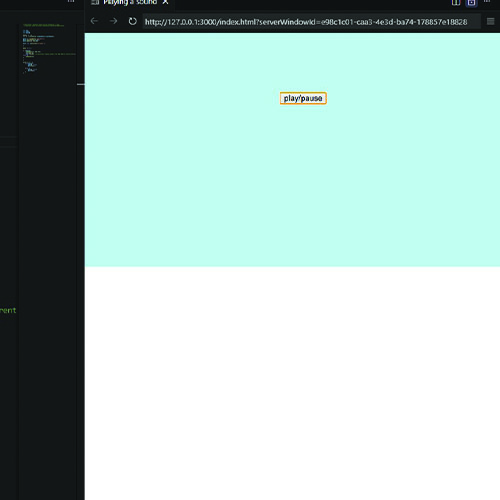
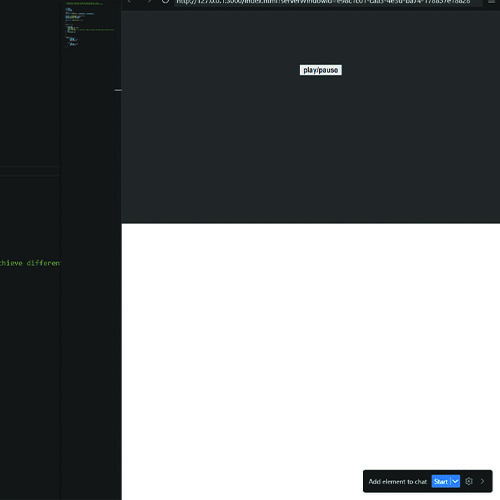
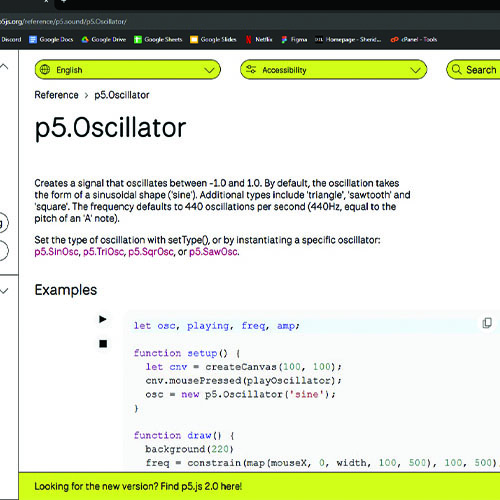
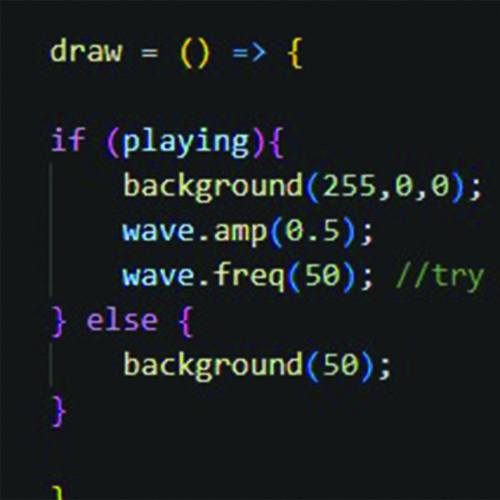
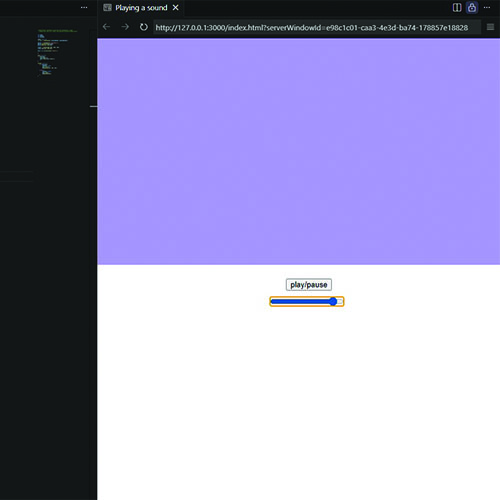
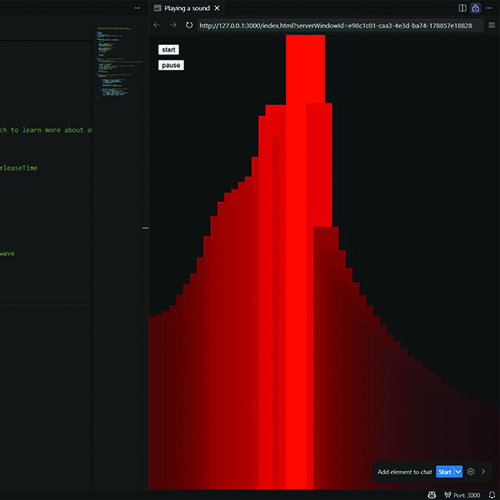
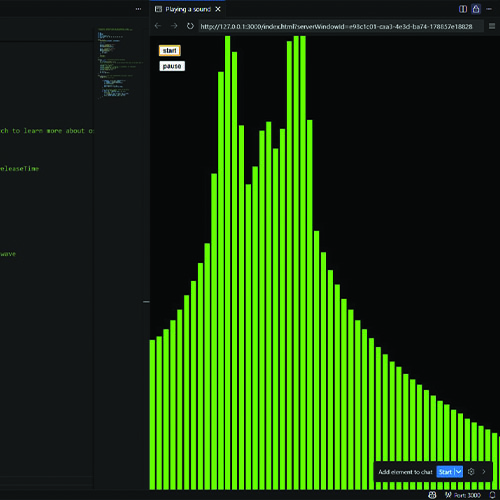
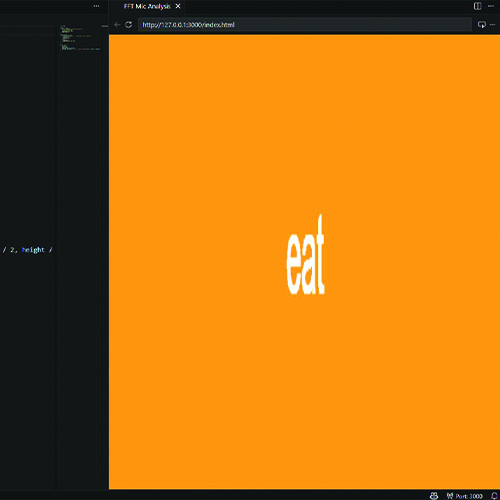
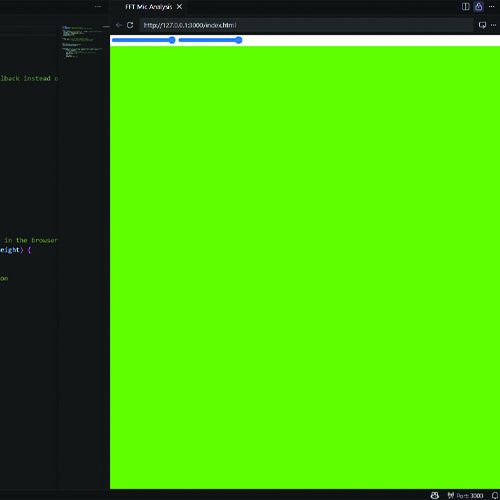
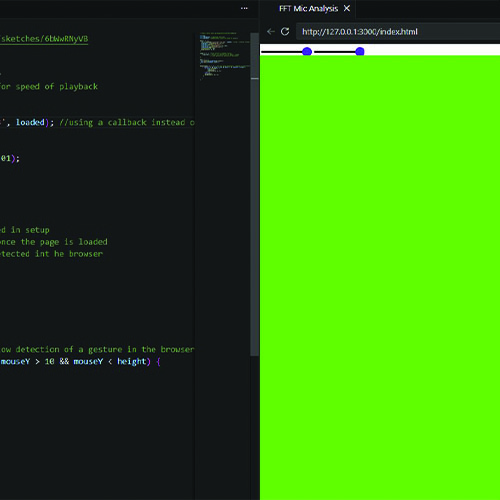
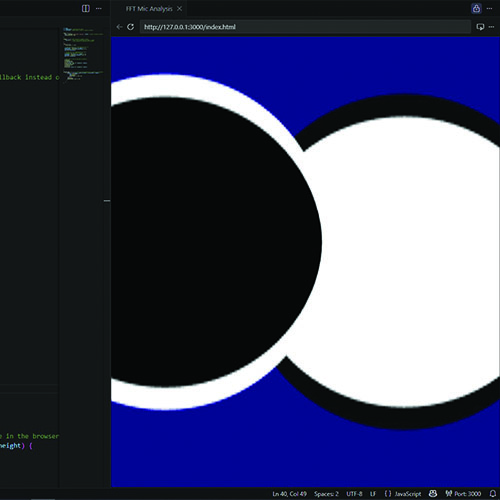
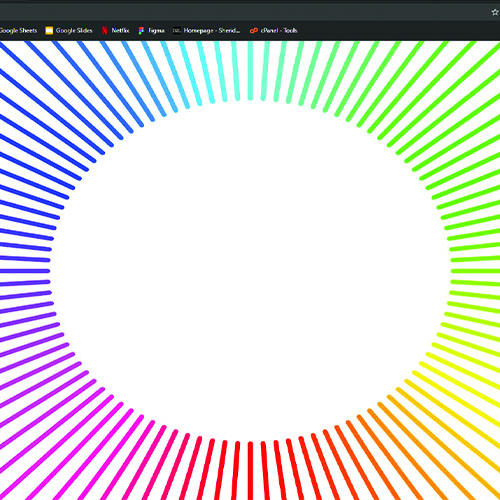
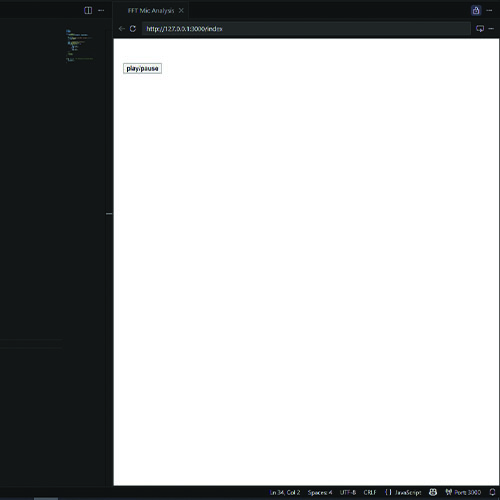
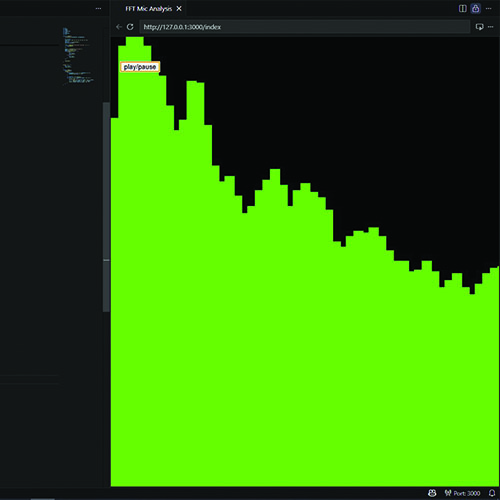
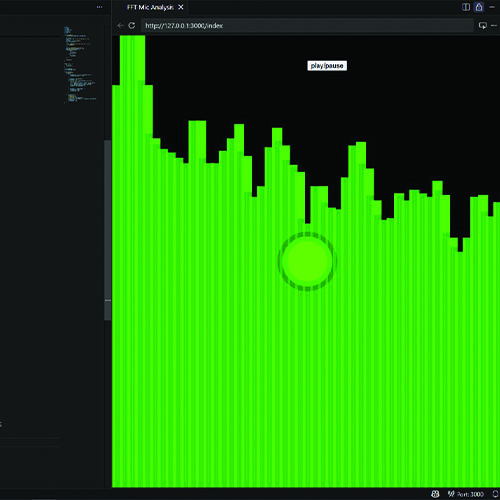
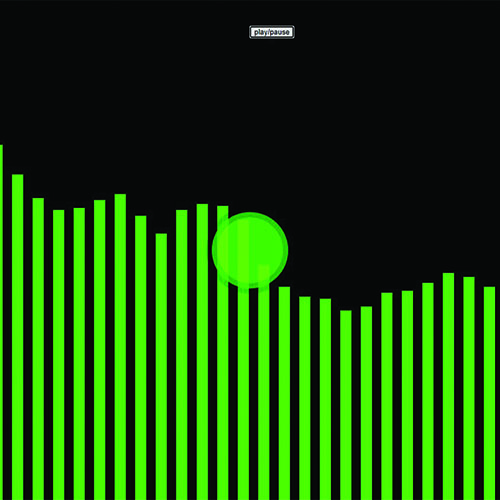
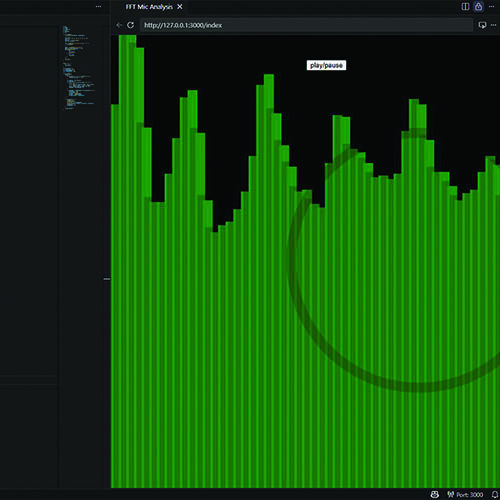
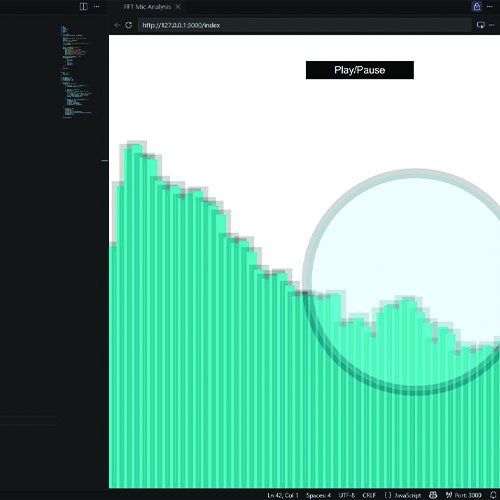
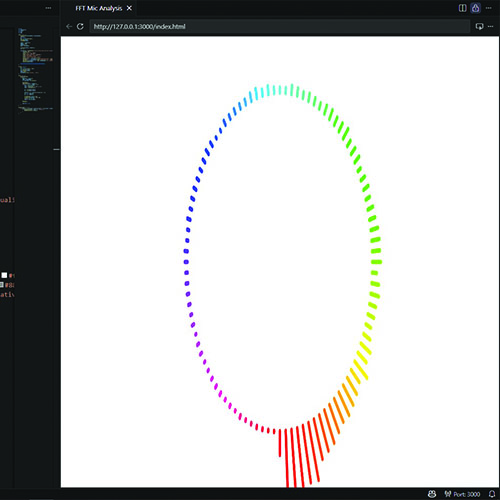
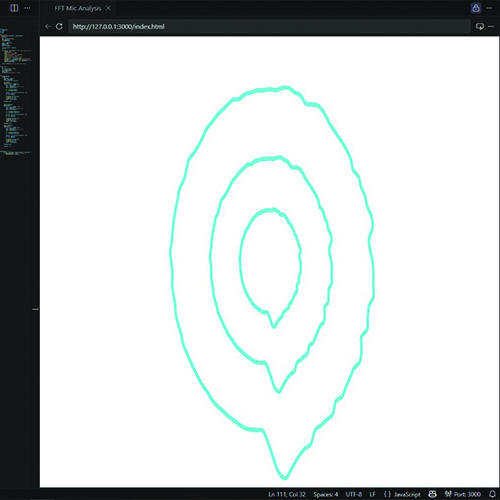
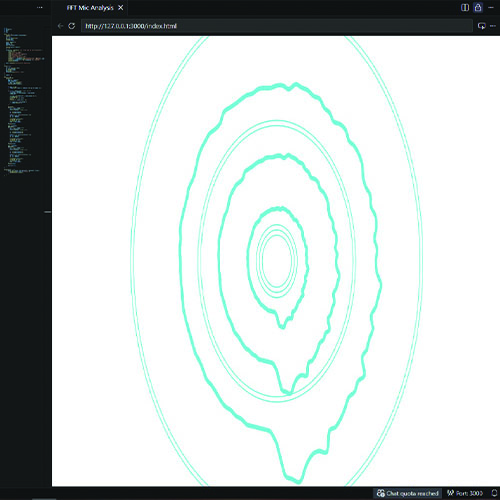
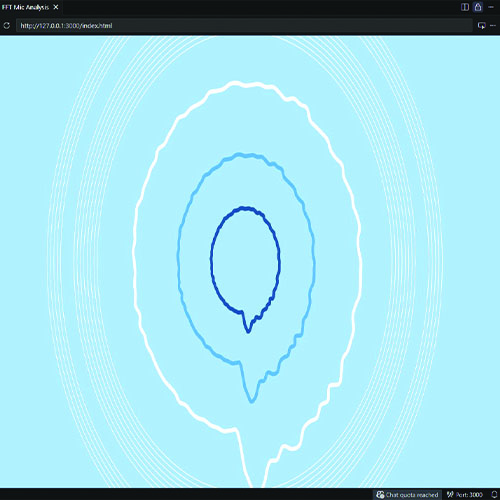
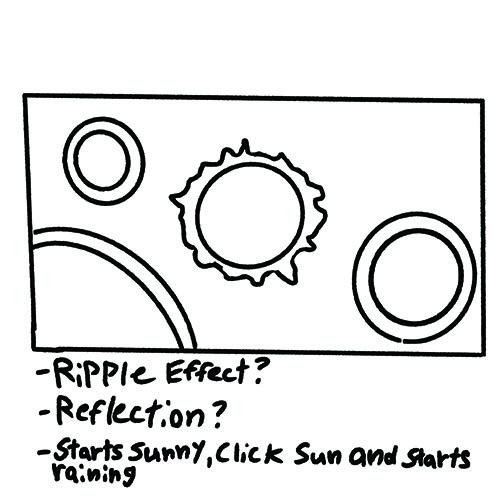
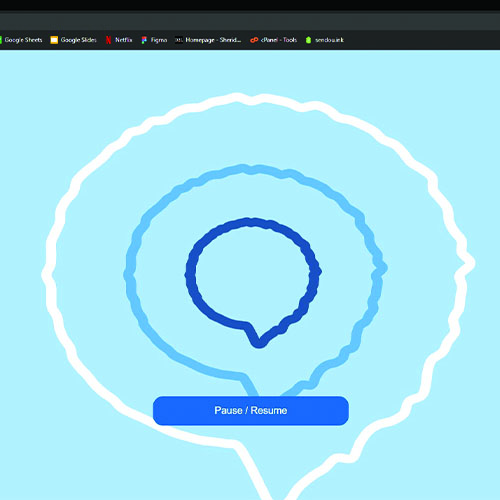
I started by changing the template and adding a pause fuction because I noticed it didn't have a way to stop the sound. For sound sythesis, I was curious about the type of oscillator and if I could change it from sine to another type. I looked into it with the p5 archive and I tried the other types of oscillators. I changed the templates original parameters to try to test out what each one would effect. I changed the color of the background depending on if sound was playing or not. Using another template I changed the background and moved where the play/pause button was as well as the slider, trying to come up with ideas for the final header. For another sound synthesis template I added a pause button once again and began to change around the parameters. I changed the appearance of the visualization to be more square and look more digital, which I really liked the appearance of. I was curious if I would be able to put text on the screen somehow and after figuring out how I made a simpler experiment that played a sound when clicked and had text that changed based on if it was playing or not. It isn't very visible on the image, but I was changing the parameters of the sliders on the top left to try to see what they would do. I changed the colors of the sliders. I had a solid idea of what to try doing with this template, but I couldn't figure out how to make smaller inner circles that would be centered on the larger ones. Curious about what the bars would look like when I changed the height, I made the bars extend outwards off of the screen and I thought it looked interesting. It was at this point that I opened another document and started to code my own project using a combination of what I know. I started with a play/pause button. I tried to make the new one look visually similar to the earlier experiment I did, but I got rid of the stroke the bars had and made the height the bars could reach a bit lower. While working on the bars I moved the play/pause button to the center. I was interested in making a ripple effect when the audio amplitude reached a certain level so I coded a green circle that appeared when the sound was loud enough. I once again changed the bars to look like they did in my experiment and then I lowered the bars height much more so they would be visible on the screen comfortably. The preview tab makes the bars look taller, however, here the main focus is that I made the circle spread out and fade away slowly. I switched the sound I was using before and changed the colors of the entire thing to match the theming of the sound I was now using and I also styled the pause/play button. To start with another one of my own projects, I used the mic input template and coded it so that it didn't take mic input anymore and instead reacted to the set sound I was using. I changed the visuals of the visualizer drastically and added more layers because I was inspired by the rain in my audio to make it look like a water ripple. I added the ripple effect I made earlier in my experiment to this project and changed the colors to make it look like water ripples as well. I also tried to make the ripples appear randomly on the screen but couldn't get it to work how I wanted. In this image I changed the colors of the visualizer layers and the background to make it look similar to water. As I was taking a break from coding I made a sketch of ideas for what I wanted to do with the rest of the project I was currently experimenting with. The final version of the experimentation which I ended up carrying on with for my final header.

Project 2


Final Project 2 Design

P5 Interactive Audio Web Header Portfolio

This is the final design for my web header. Its design is inspired by rain.

Click here to see it working on my server and here to see a video! (The gif below may take a moment to load)


To see the final working in a video, click on the video link.

×

Powered by w3.css